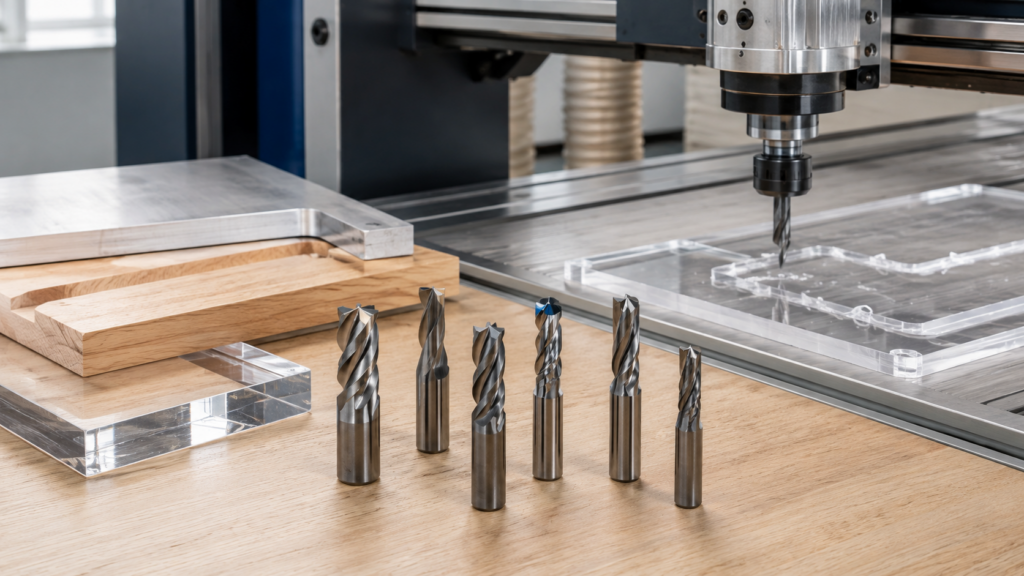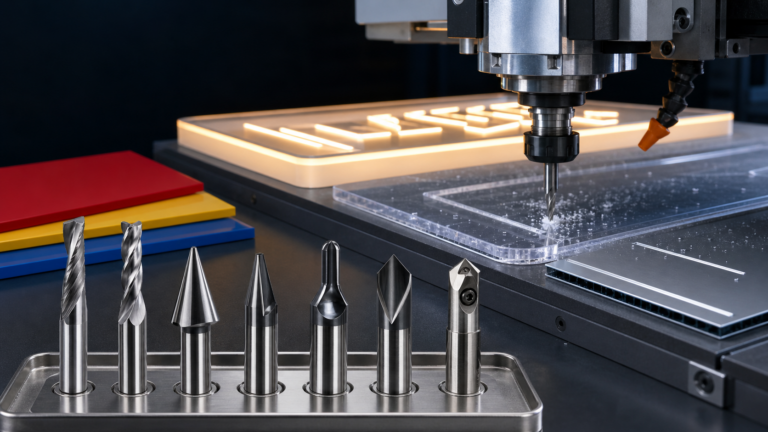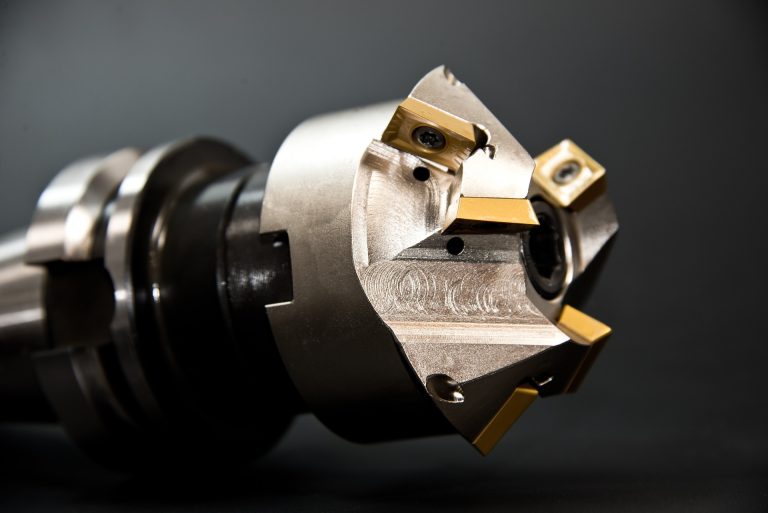
Choosing the right CNC router bit starts with the material, the edge you need, and the way your machine removes chips. A practical selection process helps you avoid melted acrylic, torn wood fibers, rough aluminum edges, and unnecessary tool changes.
Start with the material
Material is the first filter because each material responds differently to heat, chip load, and cutting geometry.
Acrylic and other plastics
For acrylic, prioritize a sharp edge and efficient chip evacuation. A single-flute spiral cutter is often a useful starting point because the open flute gives chips a clear path away from the cut. Keep the tool, collet, and workholding clean, and test a small section before committing to a full sheet. See the 3.175×22 one-flute milling cutter as an example of this product type.
Wood, MDF, and similar boards
Woodworking jobs usually depend on the required edge finish, grain direction, and whether the cut is a profile, pocket, groove, or through-cut. A straight cutter can be suitable for simple routing, while a round-nose profile is useful when the toolpath needs a curved transition or 3D finishing pass. Review the site’s 10×40 solid carbide round-nose router bit when a detailed engraving or finishing geometry is required.
Aluminum and non-ferrous metals
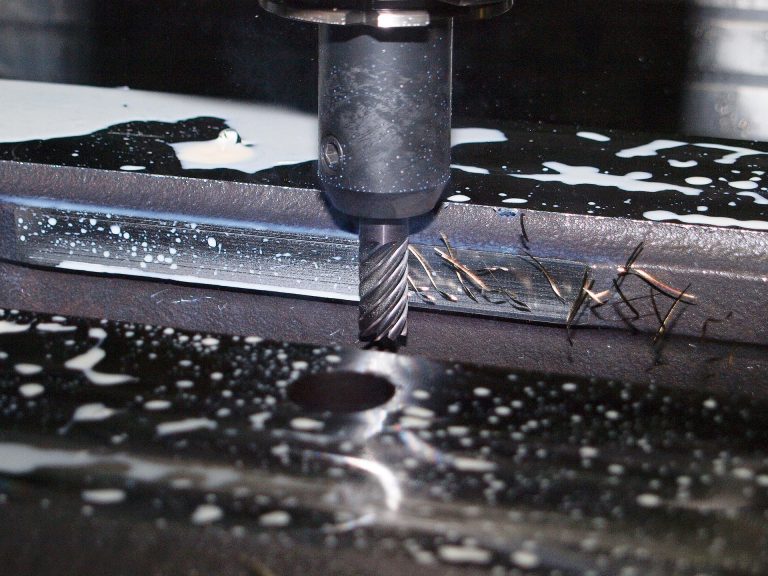
Aluminum needs controlled heat and chip removal. Select a tool designed for the intended metalworking operation, keep the workpiece secure, and use conservative test cuts to confirm spindle speed, feed, and depth. For an internal radius or concave transition, an application-specific tool such as the 16×R7 aluminum inner R arc milling cutter may be more appropriate than a general-purpose bit.
Match the geometry to the operation
After the material, identify the operation. Choose a profile bit for outside contours, a straight cutter for slots and pockets, a V-style or diamond engraving tool for fine lines and lettering, and a ball-nose tool for curved surfaces and relief work. The number of flutes also affects chip space and surface finish, so it should be considered together with the machine, material, and target feed rate.
Check the key dimensions
- Shank diameter: match the collet and machine holder exactly.
- Cutting diameter: make sure it fits the smallest corner, slot, or radius in the toolpath.
- Cutting length: use enough length for the workpiece without creating unnecessary deflection.
- Overall length: confirm that the tool clears the spindle, clamps, and workholding.
- Included angle or radius: match the edge detail shown in the drawing or CAM file.
Set cutting parameters with a test cut
Tool geometry alone cannot guarantee a good result. Begin with the cutter maker’s recommended range, then use a small test pattern to observe chips, sound, edge quality, and heat. If the tool rubs instead of cutting, review the feed rate and depth of cut. If the edge chips or the machine vibrates, reduce the engagement and check workholding, runout, and tool sharpness. Record the successful settings for repeat jobs.
A simple selection checklist
- Identify the material and its thickness.
- Define the operation and the required edge or surface finish.
- Choose the cutter geometry and flute style.
- Verify shank, diameter, cutting length, and clearance.
- Run a small test cut and adjust parameters one change at a time.
Final takeaway
The best CNC router bit is the one whose geometry, dimensions, and cutting conditions match the job. Start with the material, choose the operation-specific profile, verify the dimensions, and validate the settings with a test cut. This method is more reliable than choosing a bit by appearance or by diameter alone.
If you need help matching a cutter to acrylic, wood, aluminum, signage, or another application, compare the relevant product family on JEEFOO’s product page and contact the team with your material, thickness, machine, and target operation.