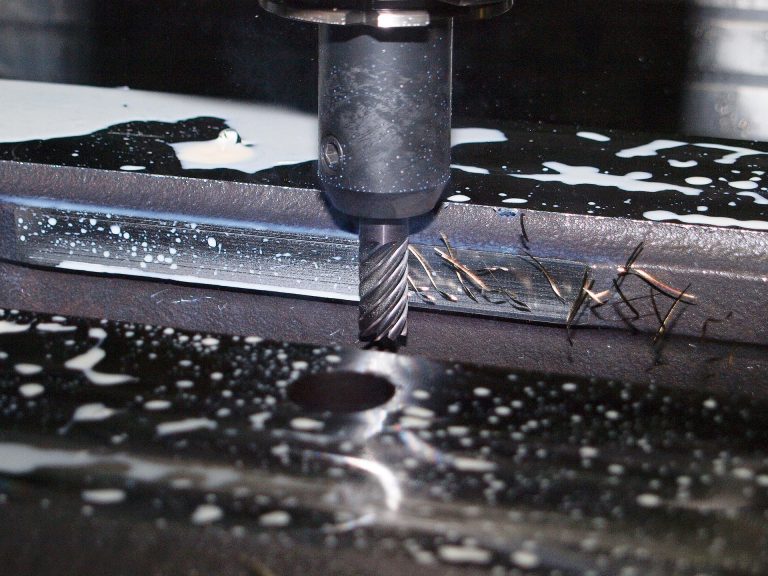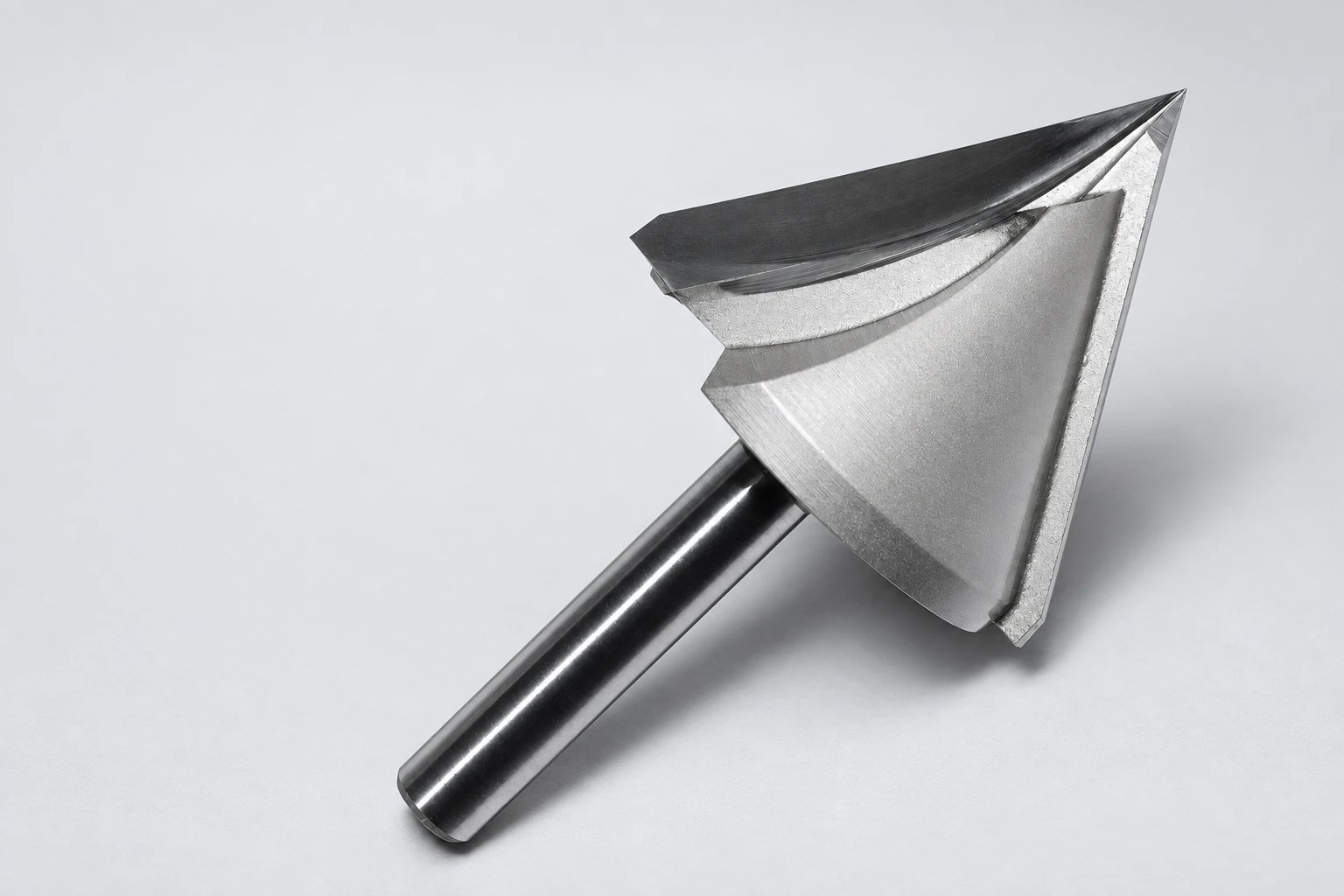
CNC ramp entry combines downward motion with sideways travel. A helical ramp moves the tool center around a circle while descending; a straight plunge feeds axially at one XY position. Neither is automatically suitable for every end mill. The available space, end-cutting geometry and manufacturer’s entry limits decide which motion is feasible.
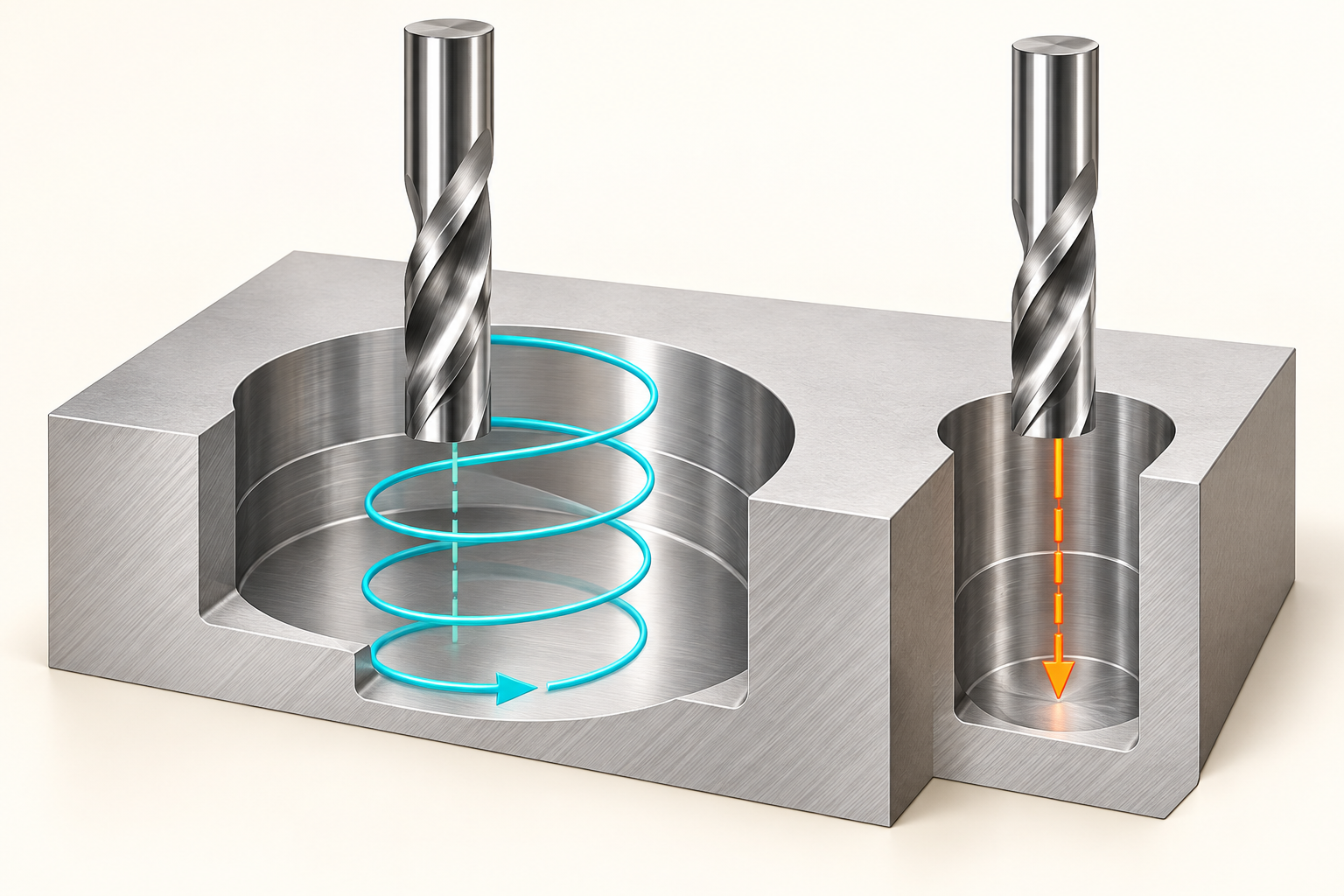
A pocket toolpath can look convincing from above yet begin with the wrong movement. The important distinction is not simply whether the cutter has spiral flutes. Flutes describe the tool; a helix describes its programmed trajectory. A spiral-flute cutter can follow a straight plunge, a linear ramp or a circular ramp, but its appearance does not authorize all three.
CNC ramp entry: three motions, different requirements
In a straight plunge, the tool center remains at one horizontal location while Z changes. A linear ramp adds horizontal travel to that descent. In a helical ramp, X and Y trace a circle as Z decreases. Circular movement at a constant Z level is circular milling, not helical ramping. These distinctions follow Sandvik Coromant’s milling definitions.
Think of CNC ramp entry as the connection between the clearance plane and the first useful cutting level. For an open feature, entering from outside the stock may be practical. A closed pocket needs a route through the top, an existing opening or a deliberately prepared entry hole. The drawing and stock condition determine which choices are available before any feedrate is selected.
Harvey Performance’s explanation of ramping describes simultaneous radial and axial motion and distinguishes linear from circular entry. It also separates ramping from arcing into the side of a workpiece. This is a useful way to classify the operation without assuming that one generic angle or feed applies to every material and cutter.
The helix diameter is not the pocket diameter
For a cylindrical cutter moving around a circular centerline, the outer swept diameter equals the tool-center path diameter plus the cutting diameter. This simple geometric relationship explains why a cutter can fit inside a pocket while its planned entry still cannot. The center has to move, and the edge must remain within the permitted boundary.
Consider an illustrative drawing, not a machining recommendation: an 8 mm cutter traveling on a 4 mm centerline circle sweeps a 12 mm outer diameter. That leaves no radial allowance inside a nominal 12 mm opening. Stock to leave, entry blending and the intended boundary may require more room. These numbers explain the geometry only; they do not specify a suitable tool, ramp angle or cutting condition.
A second issue appears when the centerline circle is wider than the tool. The cutter may leave an uncut central core instead of clearing the full entry area. That core must be represented in the material-removal plan, not ignored because the outer path fits. A smaller circle is not an automatic cure: it changes the engagement and space available for chips.
Match CNC ramp entry to documented tool capability
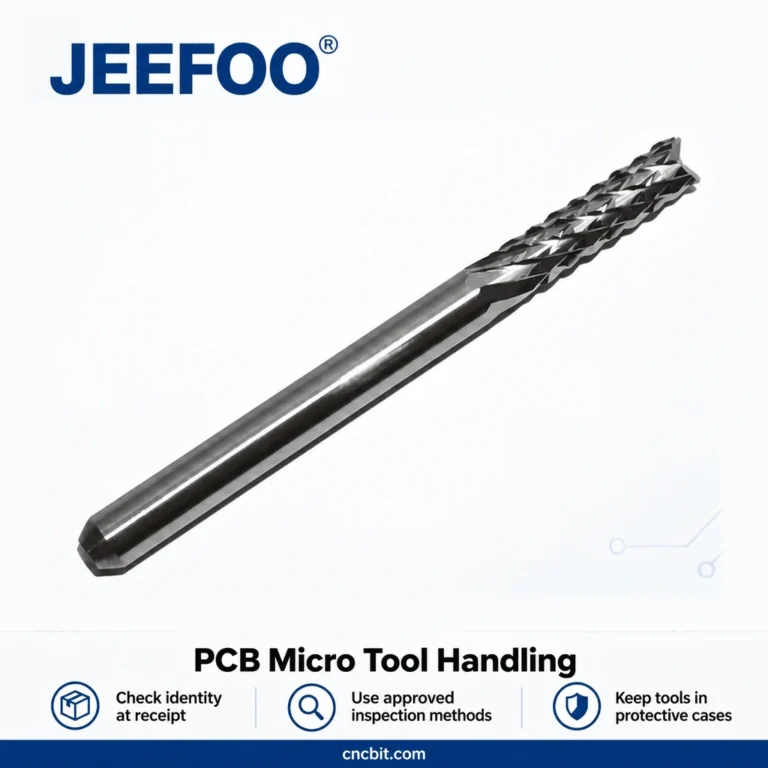
The JEEFOO GJ 6×22 two-spiral-flute bit is a real catalog example of a solid tungsten-carbide router cutter. Its listing identifies the two-flute form and size reference. It does not publish a ramp-angle limit or certify every possible entry motion. Treat the product page as a tool-identification source, not as permission to plunge or ramp at an assumed angle.
Ask for the actual end geometry, permissible entry method and application guidance for the selected tool and material. The same discipline applies to replacement cutters with a matching shank diameter: similarity at the collet does not establish identical cutting capability at the tip. If an entry limit is unknown, resolve it before sending that movement to the machine.
Why the CAM preview needs more than a top view
Autodesk’s 2D Adaptive Roughing reference distinguishes ramp angle, maximum ramp stepdown per revolution, helical ramp diameter and minimum ramp diameter. It also exposes separate ramp and plunge feedrates. Those names represent different controls; changing one does not make the others irrelevant.
Use a sectional or side view to see how entry reaches the first cutting level. Compare the displayed motion with the real starting stock, including any predrilled hole. Then examine the transition from the entry to the clearing passes. A smooth-looking descent does not prove that the next lateral move has the intended engagement.
If CAM cannot generate the helix, investigate the available region and its boundary settings rather than immediately switching to a plunge. Autodesk specifically identifies insufficient space for the selected ramp diameter as one cause of an empty 2D adaptive toolpath. A different tool size, an authorized alternate entry or a revised operation sequence may be needed.
The practical decision
Choose the entry from the feature inward: establish where the tool can enter, confirm the cutter’s capability, and then define the motion and application-specific cutting data. Verify the posted program with the machine’s approved simulation and prove-out procedure. CNC ramp entry is a geometry-and-tool decision first—not a shortcut created by selecting “helix” in a menu.