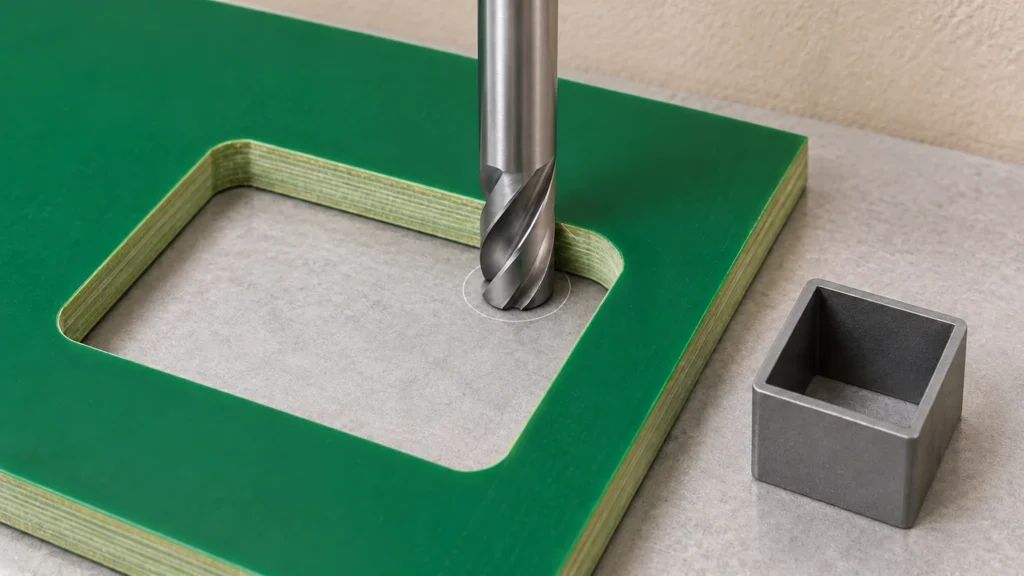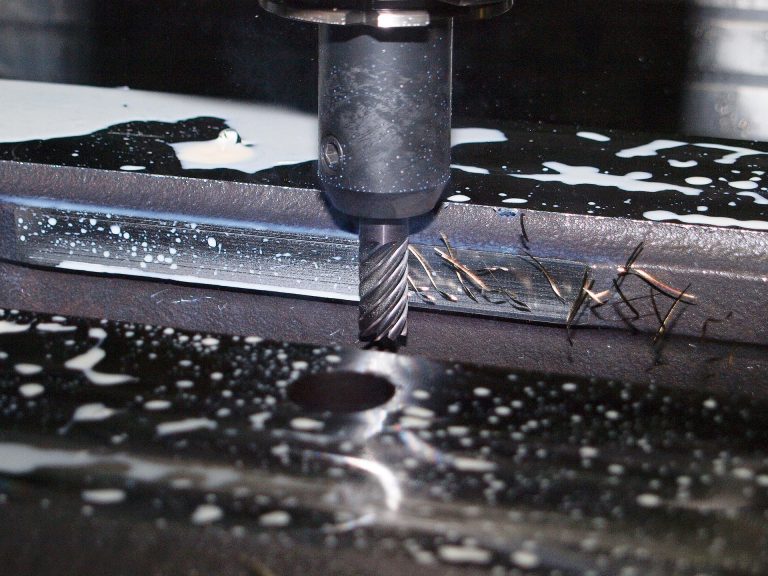
PCB drill vs PCB router bit: a drill creates a hole by feeding into the board along its axis, while a router bit cuts along a programmed path to form an outline, slot, or cutout. Choose by the finished feature and the operation the tool is designed to perform.
PCB Drill vs PCB Router Bit: Identify the Feature
Separate circular holes from board profiles before selecting tooling. A mounting hole, connector slot, and outside contour may sit close together on a drawing, but they need different machining instructions. Mark whether a hole or slot is plated, identify the finished dimensions, and show which edges locate the board inside its enclosure. Avoid using the word routing alone when electrical trace routing could also be meant. Mechanical PCB routing is the removal of material to create the board shape.
Check cutting geometry and entry method
A drill and a router can have similar-looking shanks while having different cutting ends. A conventional PCB drill should not be assumed suitable for lateral milling. Likewise, a router intended for side cutting may require a prepared entry hole rather than a direct plunge. Confirm the intended entry method with the tool supplier and machine documentation. For an internal cutout, plan where the tool enters and how the removed piece remains controlled.
Match the tool to the actual setup
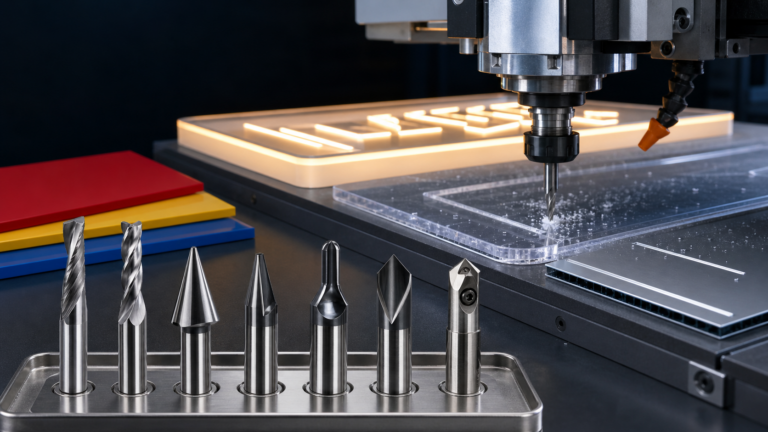
Record the laminate identification, board thickness, copper construction, and whether the machine cuts a single board or a stack. Confirm the cutting diameter, flute length, shank diameter, and holder requirements separately. A dimension in a product name is not enough to establish all four. JEEFOO® lists PCB router tooling on cncbit.com; the current product drawing and written application confirmation should govern selection for a particular job.
Validate holes and profiles separately
Prepare a representative trial with both feature types when the job requires them. Inspect hole location and diameter according to the drawing, then check outline dimensions, slot width, and edge condition. Record the drill and router identifiers separately so a later defect can be traced to the relevant operation. Keep successful settings with the exact material and machine setup rather than treating them as a universal recipe.
Choose the PCB tool by its cutting task, verify the entry method, and qualify the finished feature. Clear separation of drilling and profiling makes purchasing and process review more precise.
PCB Drill vs PCB Router Bit: Quick Answers
Can a conventional PCB drill mill a slot?
Do not assume that it can. Axial drilling and lateral profiling load the cutting edges differently. Use a tool whose manufacturer explicitly supports the intended operation and entry method.
Does a router bit always plunge into a solid board?
No. Some routing tools require an entry hole or another approved entry strategy. Check the exact cutter design and the machine instructions before programming an internal cutout.
What information helps select both tools?
Provide material grade, thickness, hole and profile drawings, tolerances, plating requirements, holder dimensions, and the trial inspection plan. Record drill and router references separately.
Union Tool’s PCB drill guidance explains that selection depends on actual drilling conditions and quality goals. Our PCB routing specifications checklist helps organize the enquiry for the actual tooling supplier.